



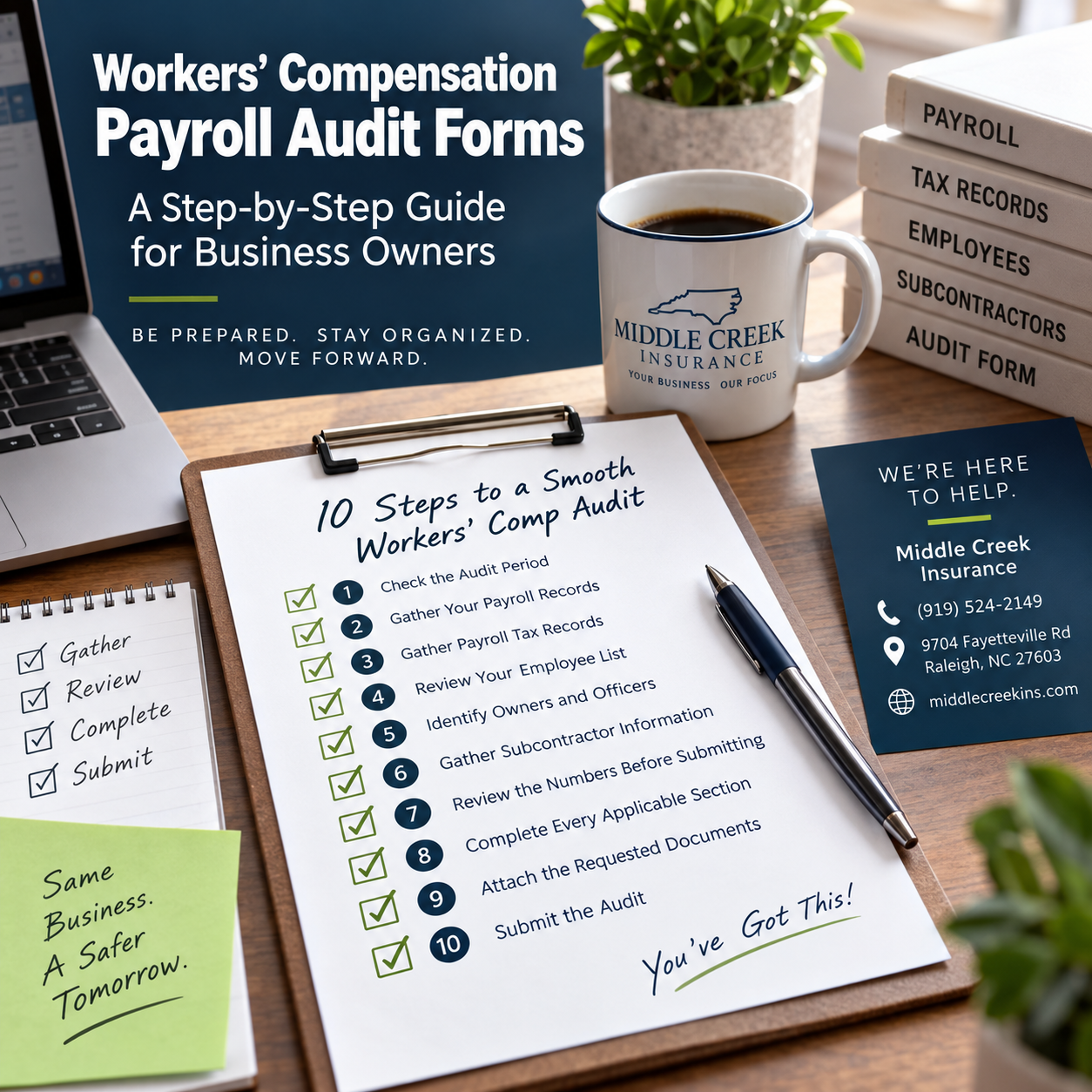
A Step-by-Step Guide for Business Owners
Headline: Got a Workers’ Compensation Payroll Audit Form? Here’s How to Get Started.
Body:
Receiving a workers’ compensation payroll audit request can mean gathering several records and reviewing information from your completed policy period. The audit is generally used to compare the payroll and business information originally estimated for the policy with the actual information for the audit period.
The specific information requested can vary by insurance company, so always follow the instructions included with your audit request.
Step 1: Check the Audit Period
Before gathering records, locate the beginning and ending dates of the audit period on the form or audit notice.
Your records should correspond as closely as possible to that period.
Write down:
- Audit start date: __________
- Audit end date: __________
- Policy number: __________
- Audit due date: __________
Step 2: Gather Your Payroll Records
Collect payroll reports covering the requested audit period.
Depending on the carrier’s instructions, useful records may include:
- Payroll summaries
- Payroll journals
- Employee earnings reports
- Payroll service reports
- General ledger payroll records
Make sure the reports identify employees and payroll amounts clearly.
Step 3: Gather Payroll Tax Records
Your auditor may request tax records to verify the payroll information reported on your payroll reports.
Depending on the audit request, this could include documents such as:
- Quarterly federal payroll tax reports
- State unemployment reports
- Annual payroll tax documents
- Other payroll verification records requested by the auditor
Use the documents specifically requested on your audit form.
Step 4: Review Your Employee List
Compare the employees who worked during the audit period with your payroll records.
For each employee, be prepared to identify information requested by the auditor, which may include:
- Employee name
- Job duties
- Payroll
- Work location
- Type of work performed
Important: Describe the work employees actually performed. Do not guess at workers’ compensation classification codes.
The insurance carrier or auditor will determine how payroll and classifications are treated under the applicable workers’ compensation rules.
Step 5: Identify Owners and Officers
Review the audit form to see whether it asks for information about:
- Sole proprietors
- Partners
- LLC members
- Corporate officers
Provide the information requested and indicate whether these individuals were included or excluded from coverage during the policy period, based on your records and policy information.
If you are unsure how an owner or officer was listed on your policy, contact your insurance agent or carrier before guessing.
Step 6: Gather Subcontractor Information
If your business used subcontractors or independent contractors during the audit period, review the audit instructions carefully.
You may be asked to provide information such as:
- Subcontractor names
- Amounts paid
- Type of work performed
- Dates work was performed
- Certificates of insurance
- Other documentation requested by the auditor
Do not assume that someone will automatically be treated as an employee or subcontractor for the audit. Provide accurate records and allow the carrier or auditor to make the applicable determination.
Step 7: Review the Numbers Before Submitting
Compare the information on your audit form with your accounting and payroll records.
Look for common issues such as:
- Missing employees
- Duplicate payroll
- Incorrect audit dates
- Payroll entered in the wrong category
- Missing subcontractor documentation
- Missing owner/officer information
- Numbers that do not match your payroll reports
If something does not match, investigate the difference before submitting the form.
Step 8: Complete Every Applicable Section
Work through the audit form from beginning to end.
If the carrier instructs you to use $0, “None,” or “N/A” for sections that do not apply, follow those instructions rather than leaving fields incomplete.
Do not estimate information when actual records are available.
Step 9: Attach the Requested Documents
Before submitting the audit, use the carrier’s checklist to confirm that all requested supporting records are included.
Business Owner Audit Checklist
You can download the fillable check list here
☐ Audit form completed
☐ Payroll reports attached
☐ Payroll tax records attached, if requested
☐ Employee duties reviewed
☐ Owner/officer information completed
☐ Subcontractor information included, if applicable
☐ Certificates of insurance included, if requested
☐ Supporting accounting records included, if requested
☐ Form signed and dated where required
☐ Copy saved for business records
Step 10: Submit the Audit Using the Carrier’s Instructions
Your carrier may allow the audit to be submitted:
- Through an online audit portal
- By email
- By mail
- Through an auditor
- Through another method listed in the audit notice
Follow the submission instructions provided by the insurance company and keep a copy of everything submitted.
What Happens After You Submit It?
The insurance company or auditor reviews the information and determines the audited exposures for the completed policy period.
Because workers’ compensation premiums are generally based in part on payroll and applicable classifications, differences between estimated and audited information may result in an adjustment.
The insurance company will determine the final audit results according to the policy terms and applicable rating rules.
Have a Question Before You Submit Your Audit?
Middle Creek Insurance can help you review the insurance information requested on your audit paperwork and help you identify where policy information may be found.
The insurance carrier or auditor makes the final determination regarding classifications, audited payroll, premium calculations, and audit results.
Middle Creek Insurance
9704 Fayetteville Rd
Raleigh, NC 27603
(919) 524-2149
middlecreekins.com
This information is provided for general educational purposes. Audit requirements vary by insurance company, policy, business operations, and audit type. Always follow the instructions provided by your insurance carrier or auditor.